Now available on Android
Your phone.
The perfect TV remote.
RemoteDeck turns your Android phone into a full keyboard and remote for your Android TV — connected over Wi‑Fi, secured with QR pairing. No Bluetooth dongle required.
One‑time
No subscription
Local
No cloud, no account
Secure
QR + TLS pairing
RemoteDeck
Turn your phone into a TV remote
Living Room TV
Bedroom TV
Connected to TV
Wi‑Fi + Bluetooth HID
Simple setup
Up and running in 3 steps
No account, no cloud, no configuration. Just scan and go.
Install on your phone
Download RemoteDeck from Google Play on your Android phone.
Install Host on your TV
Install RemoteDeck Host on your Android TV / Google TV from the Play Store.
Scan & start typing
Open the app, scan the QR code on your TV, pair over Bluetooth, and take control instantly.
See it in action
Works on every screen
From the palm of your hand to the big screen — RemoteDeck feels native everywhere.
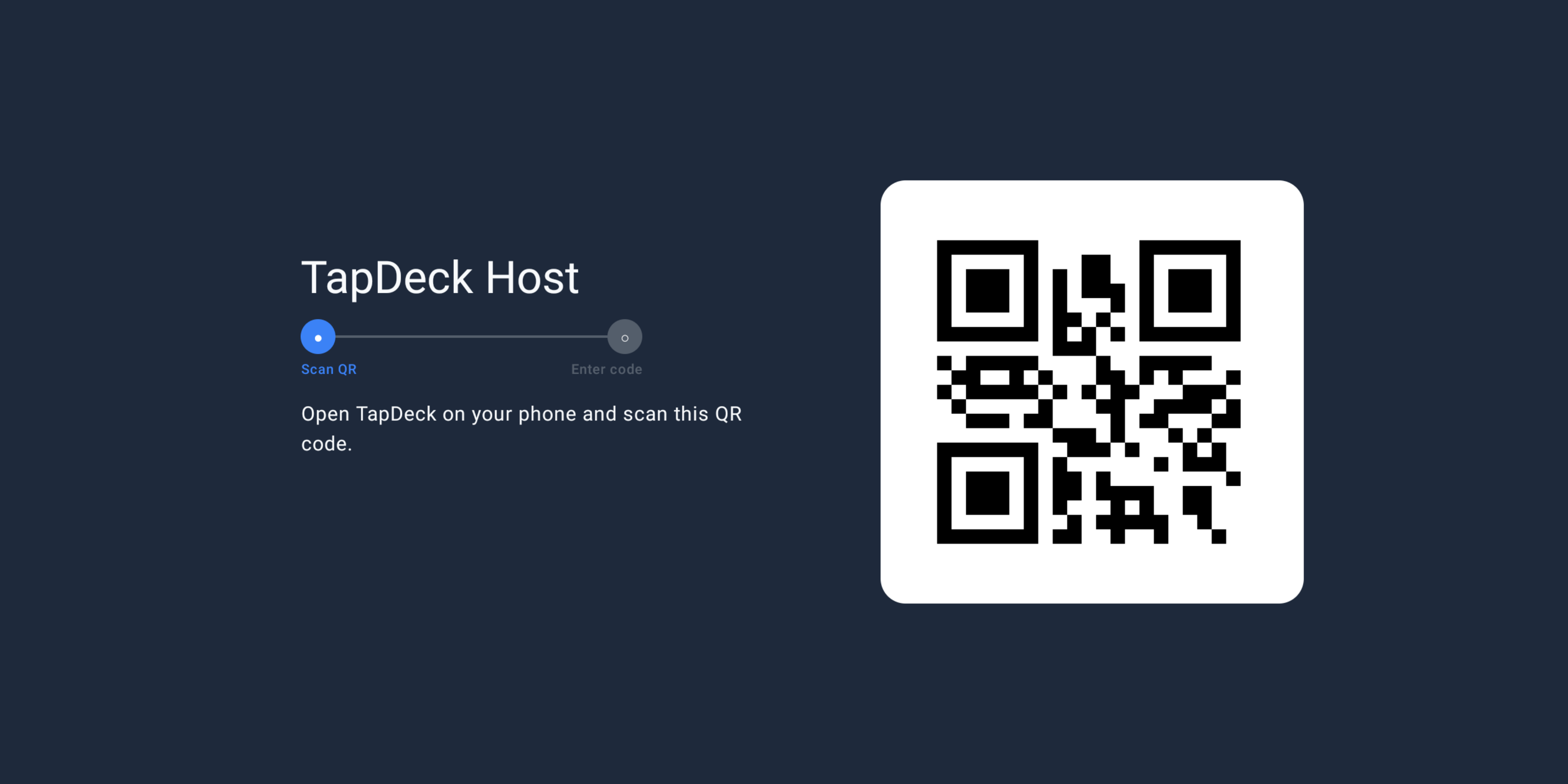
Android TV — Host App
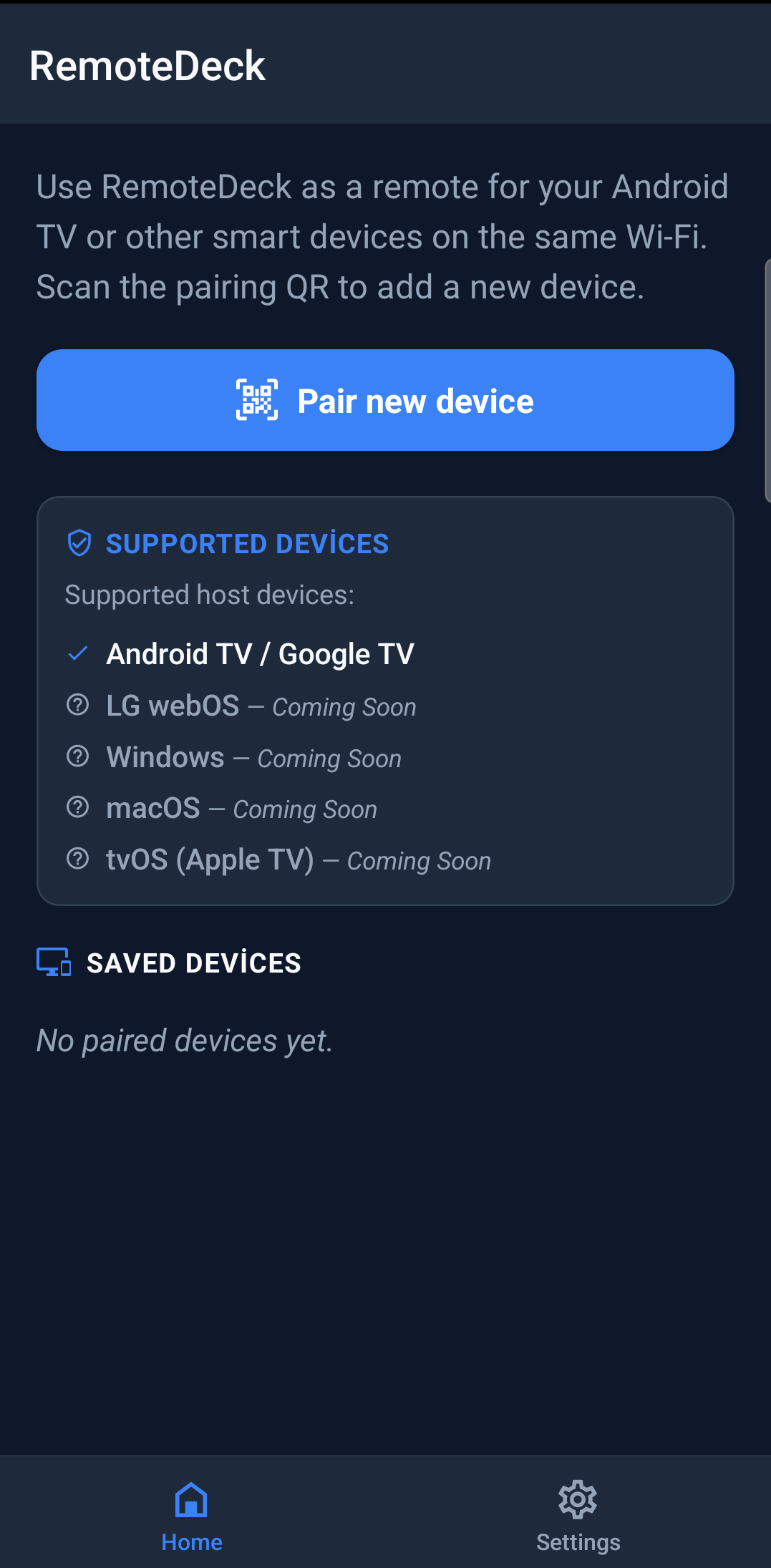
Home
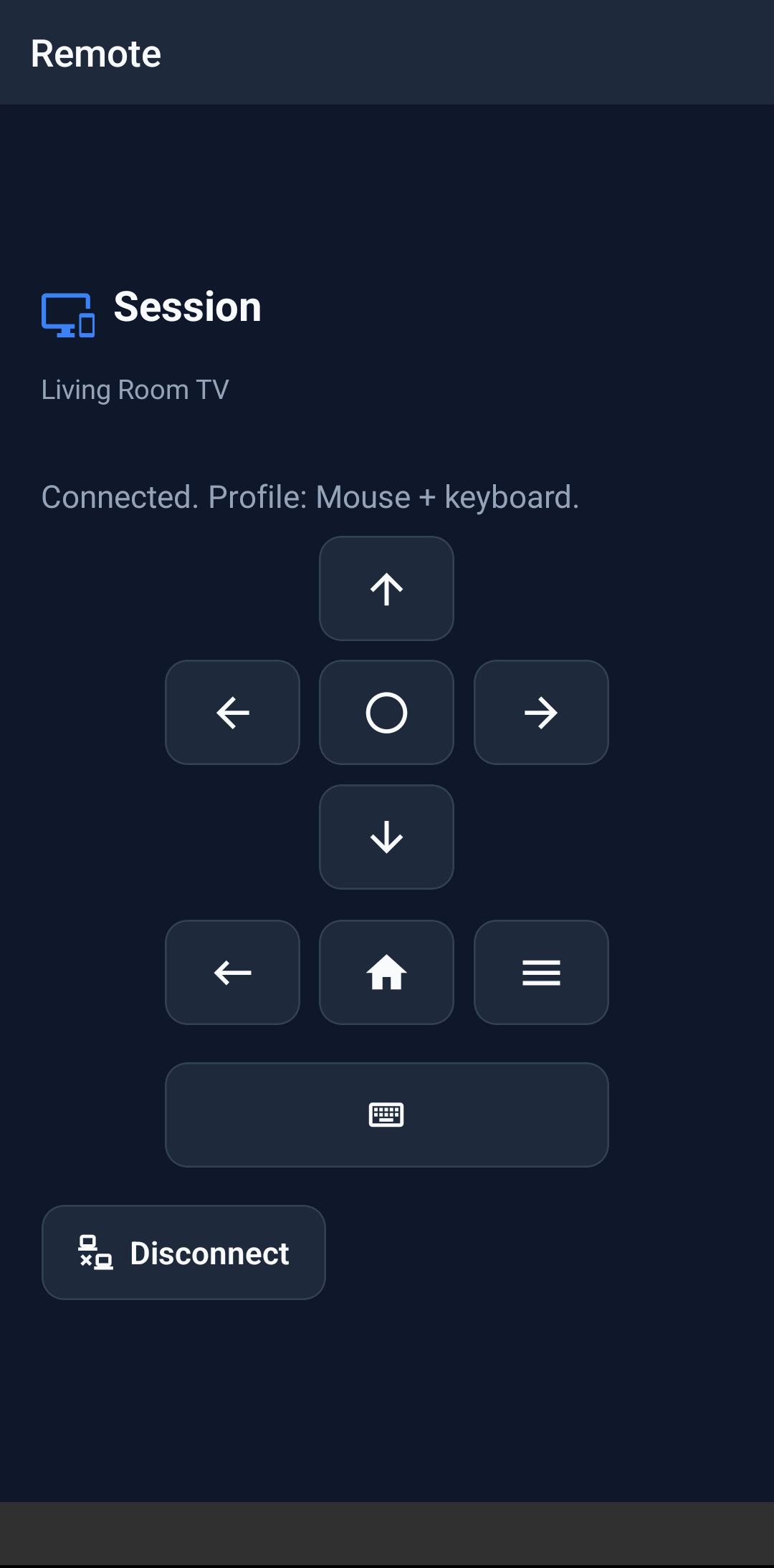
Controller
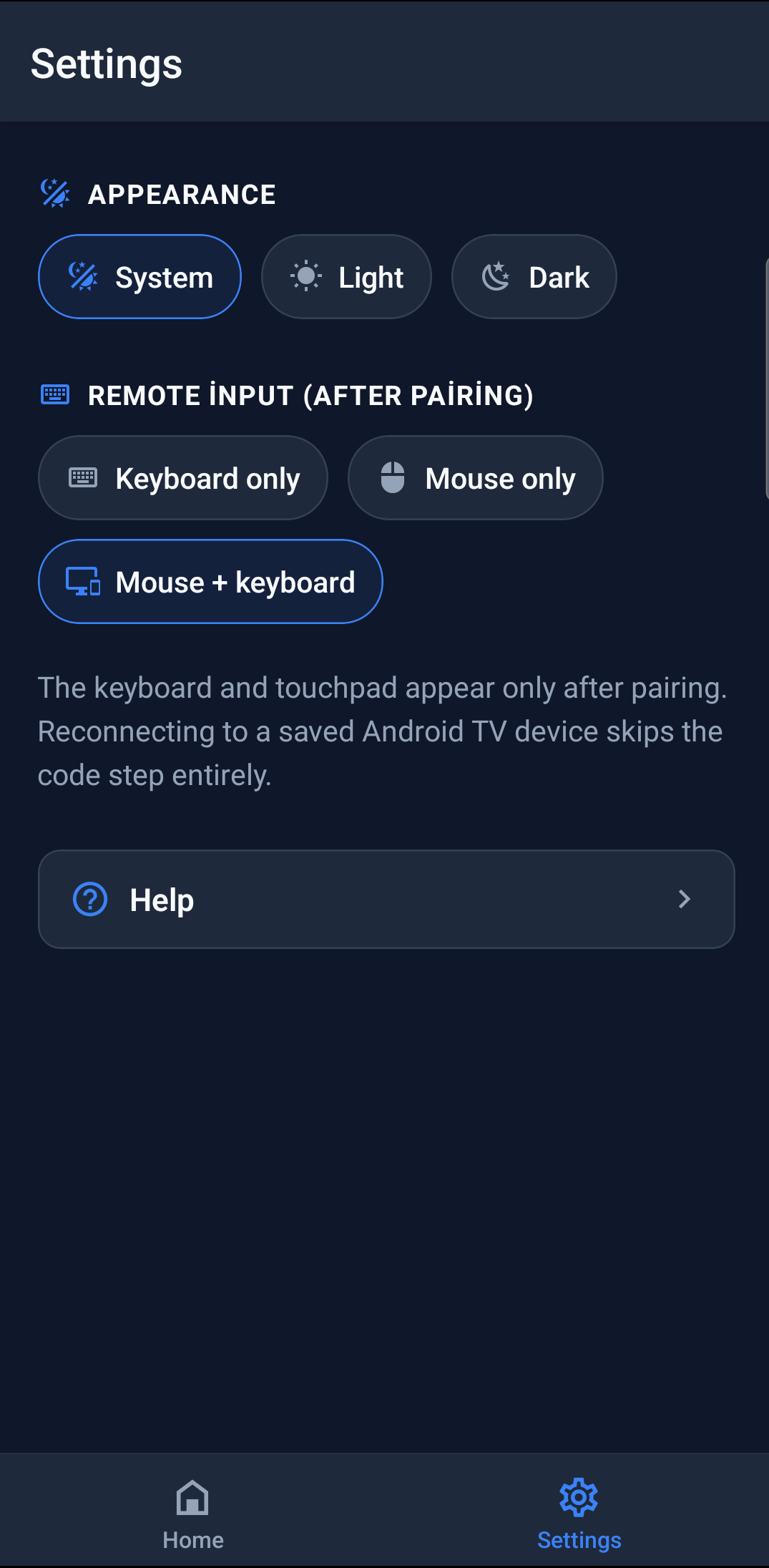
Settings
QR Pairing Full Keyboard D-Pad Media Keys Wi‑Fi Only No Account
Compatibility
Supported platforms
More platforms are on the roadmap. Android TV is ready today.
Host Devices
Install RemoteDeck Host on these
Mobile Clients
Install RemoteDeck app on these